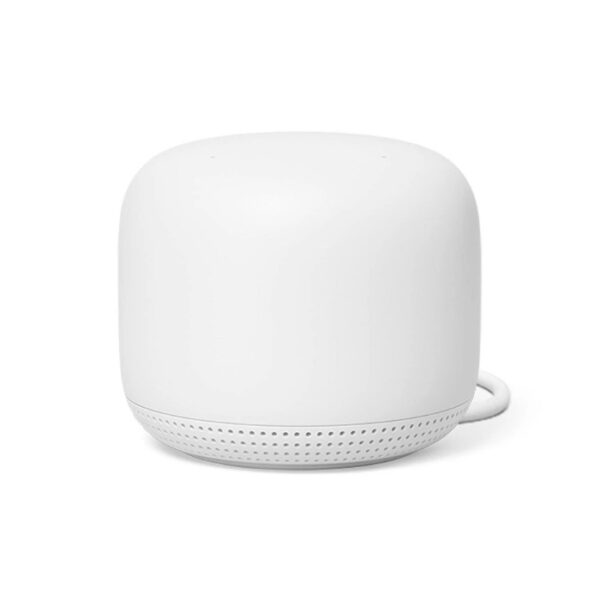

Google WiFi is a mesh router system built to fix weak WiFi coverage in your home. Instead of using one router to cover every room, it uses multiple small units, called points, that work together as one network.
A single router often struggles in larger homes or homes with more than one floor. Google WiFi solves this by spreading coverage across several points. As you move from room to room, your phone or laptop automatically connects to the strongest point nearby. You never have to switch networks manually.
Setup is simple. Plug the main unit into your modem, power it on, and use the Google Home app to create your network name and password. From there, you can add more points to cover additional rooms.
Once set up, Google WiFi handles the technical work on its own. It moves devices between the 2.4GHz and 5GHz bands automatically, and if one point loses connection, the network reroutes traffic through the remaining points. This keeps your WiFi stable without you needing to troubleshoot anything.
The app also gives you control over your network. You can see which devices are connected, prioritise specific devices for faster speeds, set up a guest network, apply parental controls, and check your usage at any time.
Google WiFi is a strong choice if you want reliable coverage throughout your home without dealing with complicated router settings. It works well for families, streaming, smart homes with many connected devices, or any home dealing with dead zones.